1inalltravel App User guide
Lead Create
Direct Lead create
Learn how to efficiently input new client details into the 1inalltravel platform. This guide covers assigning sources, selecting destinations, and entering guest contact information to streamline your lead management process.
Navigate to https://app.1inalltravel.com/leads/list
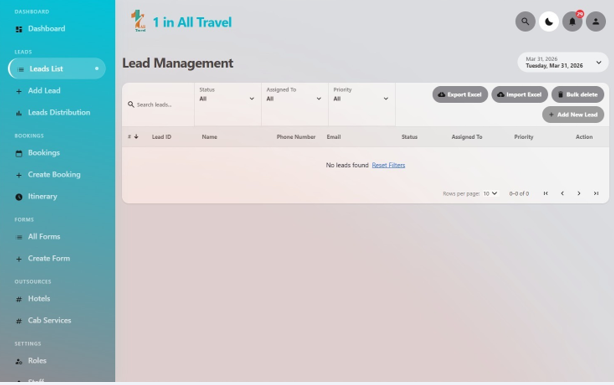
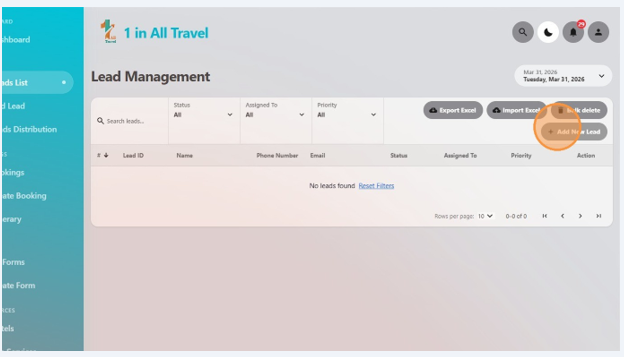
Click "Add New Lead"
Select lead source as "Direct"
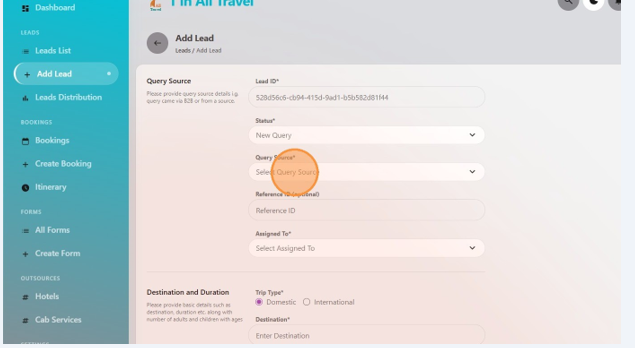
Select the sales role member you want to assign
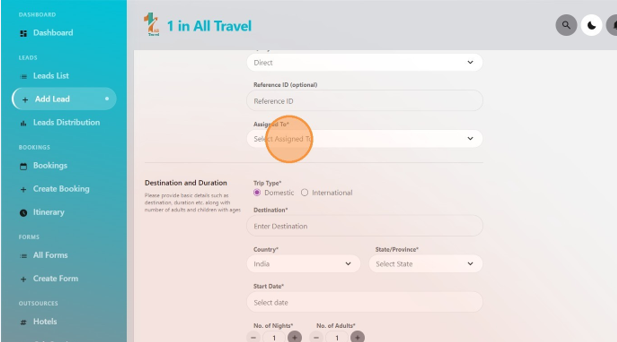
Write destination
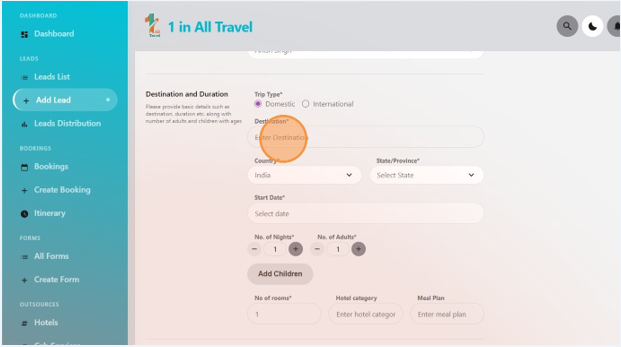
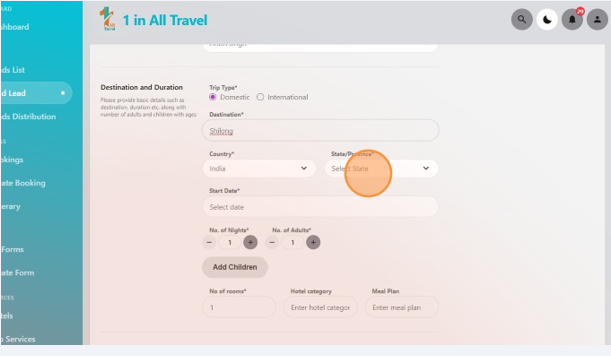
Select state and country according to the destination
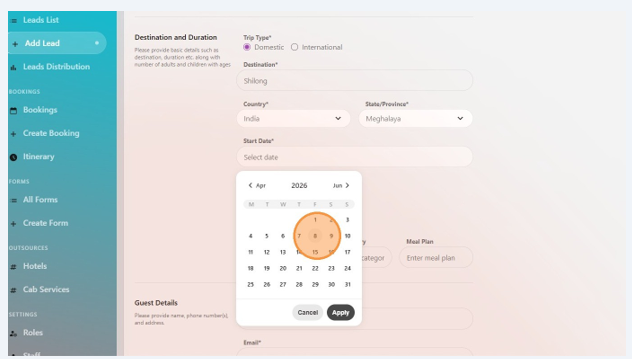
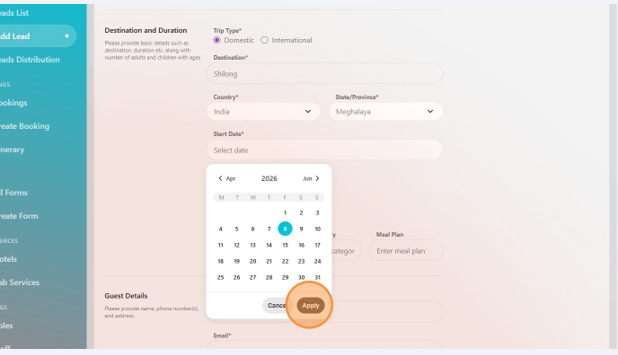
Select date of journey
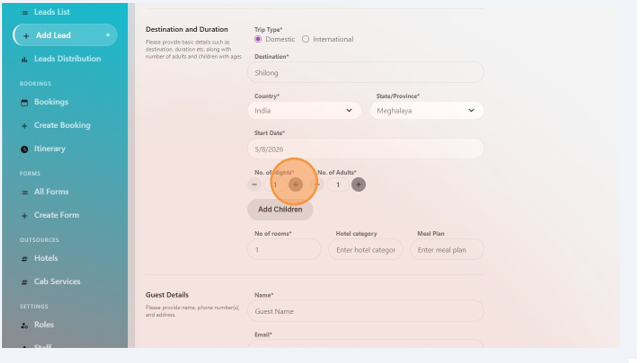
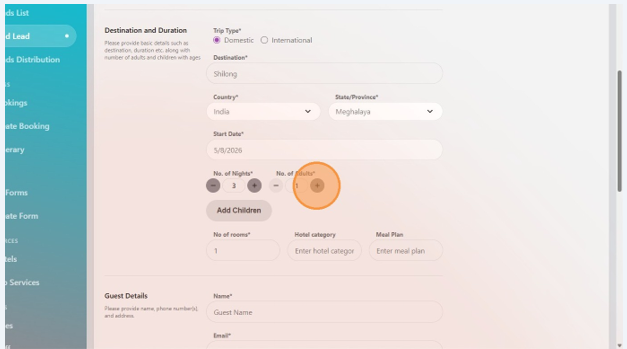
Add number of nights , no of adults and no of children
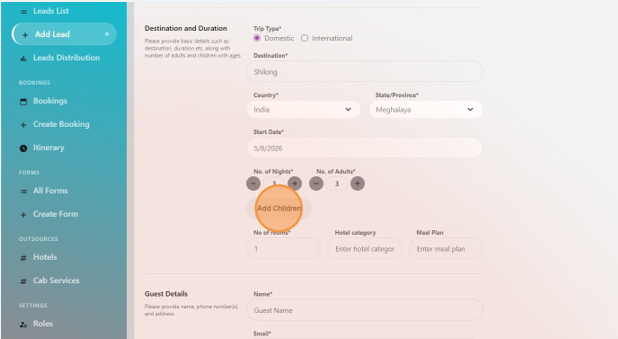
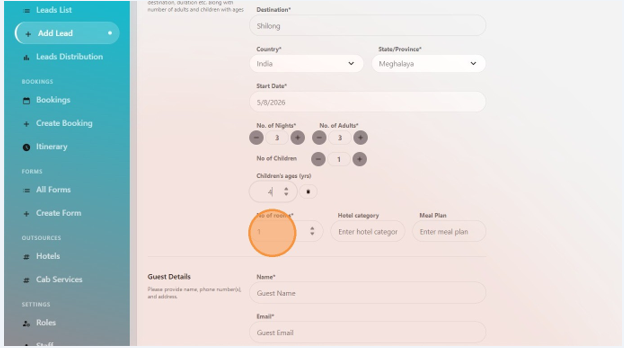
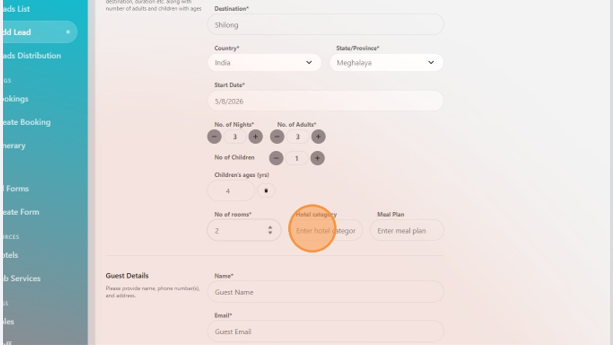
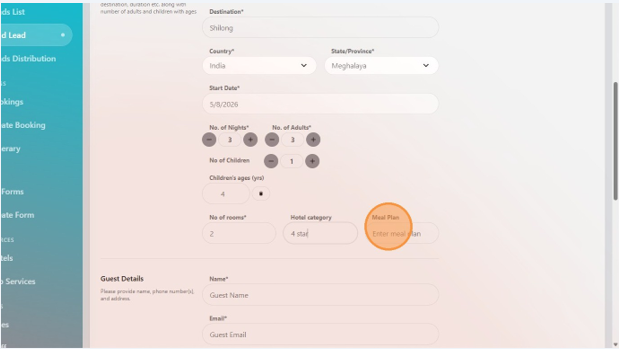
Write no of room, hotel category and meal plan
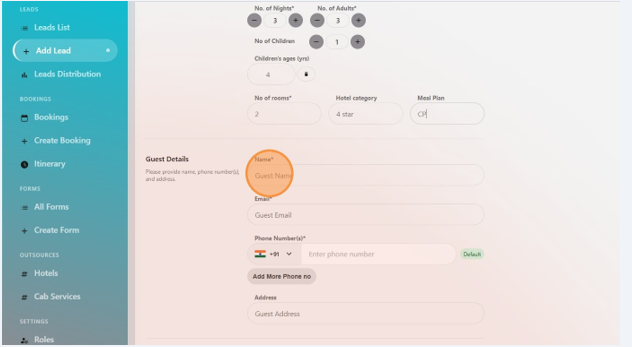
Note guest details like Name, email, phone number and address
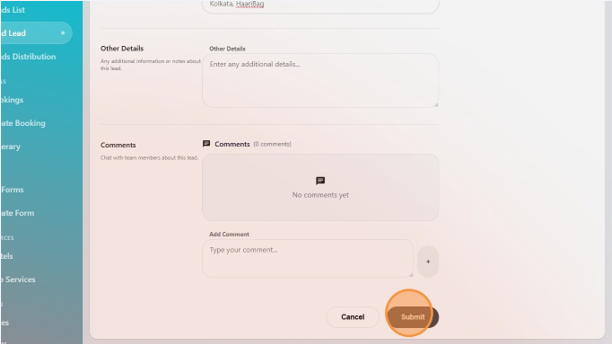
Click "Submit" and your direct lead will be created